There are over 150 AI writing tools on the market right now.
Most of them promise the same thing: “Write better content, faster, with AI.” And most of them fail to deliver anything beyond bland, generic paragraphs that sound like they were written by a robot having a bad day.
So when someone asks me, “Is Jasper AI actually worth paying $49 to $69 per month?” — I don’t give them a quick answer.
I give them THIS review.
I have spent over 90 days using Jasper AI for real projects. Blog posts. Email sequences. Ad copy. Social media content. Product descriptions. I pushed it hard, tested every major feature, compared the output against three other AI writing tools, and tracked the results.
This is not a surface-level overview. This is not a rewritten press release. This is an honest, detailed Jasper AI review from someone who has used it in the trenches — and paid for it with real money.
By the end of this article, you will know exactly whether Jasper AI deserves your investment in 2026, or whether your money belongs somewhere else.
Let’s get into it.
What Is Jasper AI? (Quick Overview)
Jasper AI (formerly known as Jarvis and before that, Conversion.ai) is an artificial intelligence writing platform built primarily for marketers, content creators, and businesses that need to produce high-quality written content at scale.
It was founded in 2021 by Dave Rogenmoser, JP Morgan, and Chris Hull. Since launch, Jasper has raised over $125 million in funding and has grown into one of the most recognized names in the AI writing space.
But here is what makes Jasper different from typing prompts into ChatGPT:
Jasper is purpose-built for marketing content.
While ChatGPT is a general-purpose AI assistant, Jasper is designed from the ground up to understand marketing frameworks, brand voice, content strategy, and conversion-focused writing.
Every feature, every template, and every workflow is tailored toward producing content that serves a business goal.
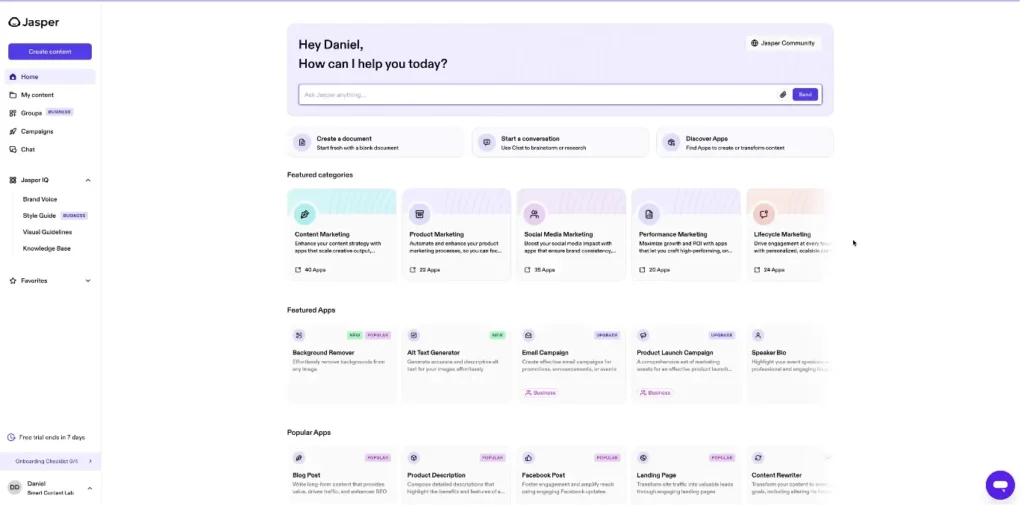
In 2026, Jasper has evolved significantly from its early days. The platform now includes:
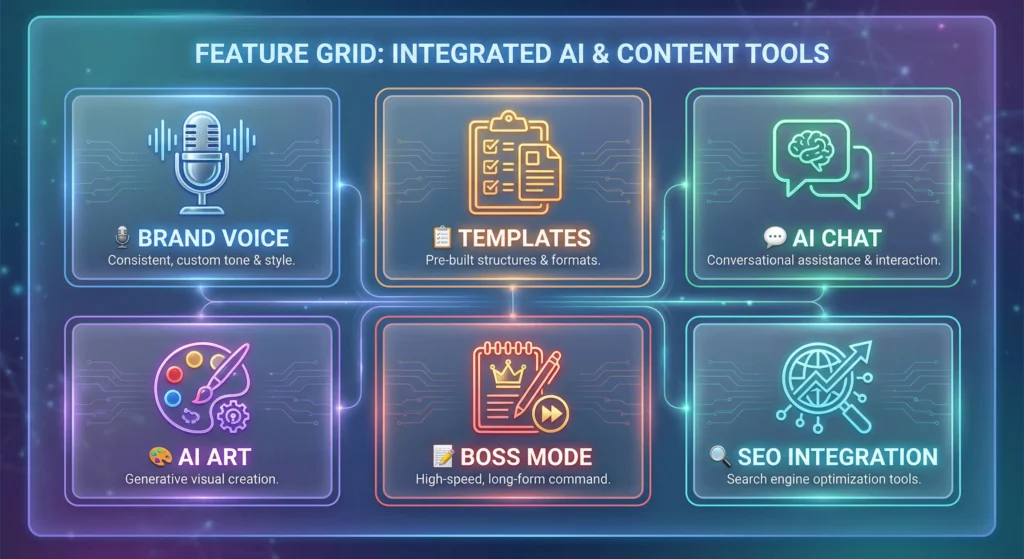
- AI-powered content generation across 30+ languages
- Brand voice and tone customization using your own data
- Over 70 content templates for specific use cases
- An AI chat assistant trained on marketing best practices
- AI image generation (Jasper Art)
- Built-in SEO optimization through SurferSEO integration
- Team collaboration and approval workflows
- Campaign planning and multi-channel content creation
Think of Jasper as a marketing-savvy AI writing partner, not just a text generator. That distinction matters, and it is the reason people pay premium prices for it.
Jasper AI Key Features Walkthrough
Let me walk you through the features that actually matter — the ones I used daily and the ones that justified (or didn’t justify) the price tag.
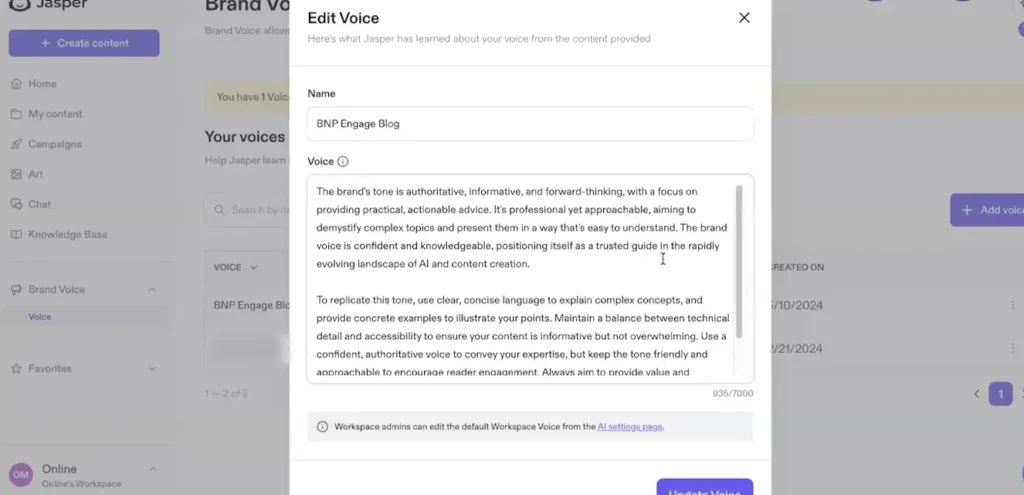
Brand Voice & Tone Customization
This is Jasper’s crown jewel, and I’m saying that without exaggeration.
You can feed Jasper your existing content — blog posts, website copy, style guides, brand documents — and it learns your specific voice. Not just “professional” or “casual,” but YOUR actual tone, vocabulary preferences, sentence structure, and personality.
I uploaded five of our AI Spartan blog posts and a one-page brand guide. Within minutes, Jasper was producing content that genuinely sounded like us. Not perfectly, but about 80-85% aligned with our voice from the first draft.
For marketing teams managing brand consistency across multiple writers, this feature alone might justify the price.
My Rating: 9/10
Templates Library (70+ Templates)
Jasper offers over 70 pre-built templates for specific content types:
- Blog post outlines and introductions
- Facebook and Google ad copy
- Product descriptions
- Email subject lines
- Video scripts and hooks
- LinkedIn posts
- AIDA and PAS framework copy
- Meta descriptions and SEO titles
- And dozens more
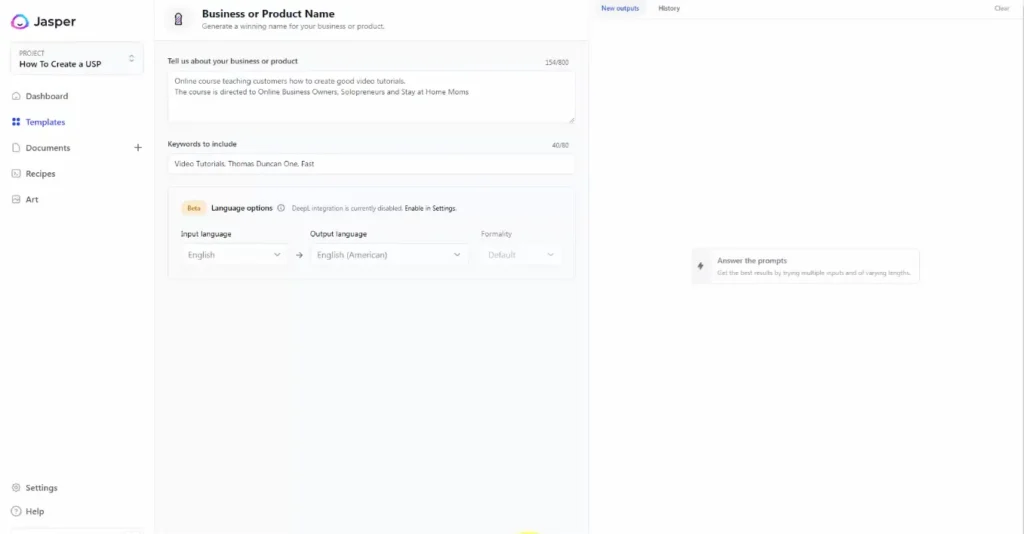
Each template asks you for specific inputs (product name, tone, audience, key points), then generates multiple variations.
The quality varies by template. The ad copy and email templates are excellent. The blog post templates are good starting points but need significant human editing for long-form work.
My Rating: 7.5/10
Jasper Chat (AI Assistant)
Jasper Chat functions similarly to ChatGPT but with marketing-specific training. You can have conversations, ask it to write content, request revisions, and brainstorm ideas.
What I liked: it remembers brand voice context within conversations and can reference your uploaded knowledge base. What I didn’t like: for general knowledge questions, ChatGPT still feels more capable and faster.
Jasper Chat shines when you use it specifically for content-related tasks. Asking it to “write a product launch email in our brand voice targeting enterprise CTOs” produces noticeably better results than the same prompt in a general AI assistant.
My Rating: 7/10
Jasper Art (AI Image Generation)
Jasper Art lets you generate images using text prompts, similar to DALL-E or Midjourney.
I will be honest: this is the weakest feature in Jasper’s lineup. The image quality is decent for social media posts and blog thumbnails, but it cannot compete with Midjourney for creative work or DALL-E 3 for photorealistic images.
It’s a nice “included” bonus, but I would not choose Jasper specifically for image generation.
My Rating: 5.5/10
Boss Mode / Long-Form Editor
Boss Mode (now part of the Pro plan) is where Jasper truly shines for bloggers and long-form content creators.
The document editor gives you a Google Docs-like writing environment where Jasper acts as your co-writer.
You can:
- Write a sentence and let Jasper continue your thought
- Highlight text and ask for rewrites, expansions, or tone changes
- Use keyboard shortcuts (Ctrl+J) to generate content inline
- Structure full blog posts with headings, paragraphs, and transitions
During my 90-day test, I wrote over 40 blog posts using Boss Mode. My average writing time dropped by approximately 40%. The quality of the first drafts was good enough that most paragraphs only needed light editing rather than complete rewrites.
My Rating: 8.5/10
SEO Integration (SurferSEO Partnership)
Jasper integrates directly with SurferSEO, allowing you to optimize content for target keywords as you write.
You enter your target keyword, and a SurferSEO panel appears alongside your editor showing:
- Recommended word count
- Keywords to include (and how many times)
- Content structure suggestions
- Real-time SEO score
This is genuinely useful. Instead of writing first and optimizing later, you can create SEO-friendly content from the start. However, the SurferSEO integration requires a separate SurferSEO subscription, which adds to the overall cost.
My Rating: 8/10
Team Collaboration Tools
For teams and agencies, Jasper offers:
- Multiple user seats with role-based permissions
- Brand voice sharing across team members
- Content approval workflows
- Shared project folders
- Usage analytics and reporting
I tested this with a small team of three. The collaboration features work well and are comparable to what you’d expect from a professional SaaS tool. Nothing groundbreaking, but solid and reliable.
My Rating: 7/10
Campaign & Workflow Features (NEW in 2026)
This is the biggest addition in 2026, and it is impressive.
Jasper now lets you create entire marketing campaigns from a single brief. You describe your campaign goal, target audience, key messages, and channels — and Jasper generates coordinated content across all channels:
- Blog post
- Social media posts (multiple platforms)
- Email sequence
- Ad copy variations
- Landing page copy
Everything shares consistent messaging and brand voice. For marketing teams running multi-channel campaigns, this is a massive time-saver.
I ran two full campaigns through this workflow. The output required editing (about 30% revision), but the strategic alignment across channels was genuinely impressive. What would normally take a team 2-3 days of planning and writing was produced in about 2 hours.
My Rating: 8/10